⌘
Edit models safely
Inspect and edit OpenStudio models with reviewed SDK patterns and a durable workflow state.
OpenStudio AI brings guided model editing, HVAC creation, simulation, and results workflows to Codex and Claude Code. OpenStudio-MCP adds specialized local execution when it is part of your workflow.
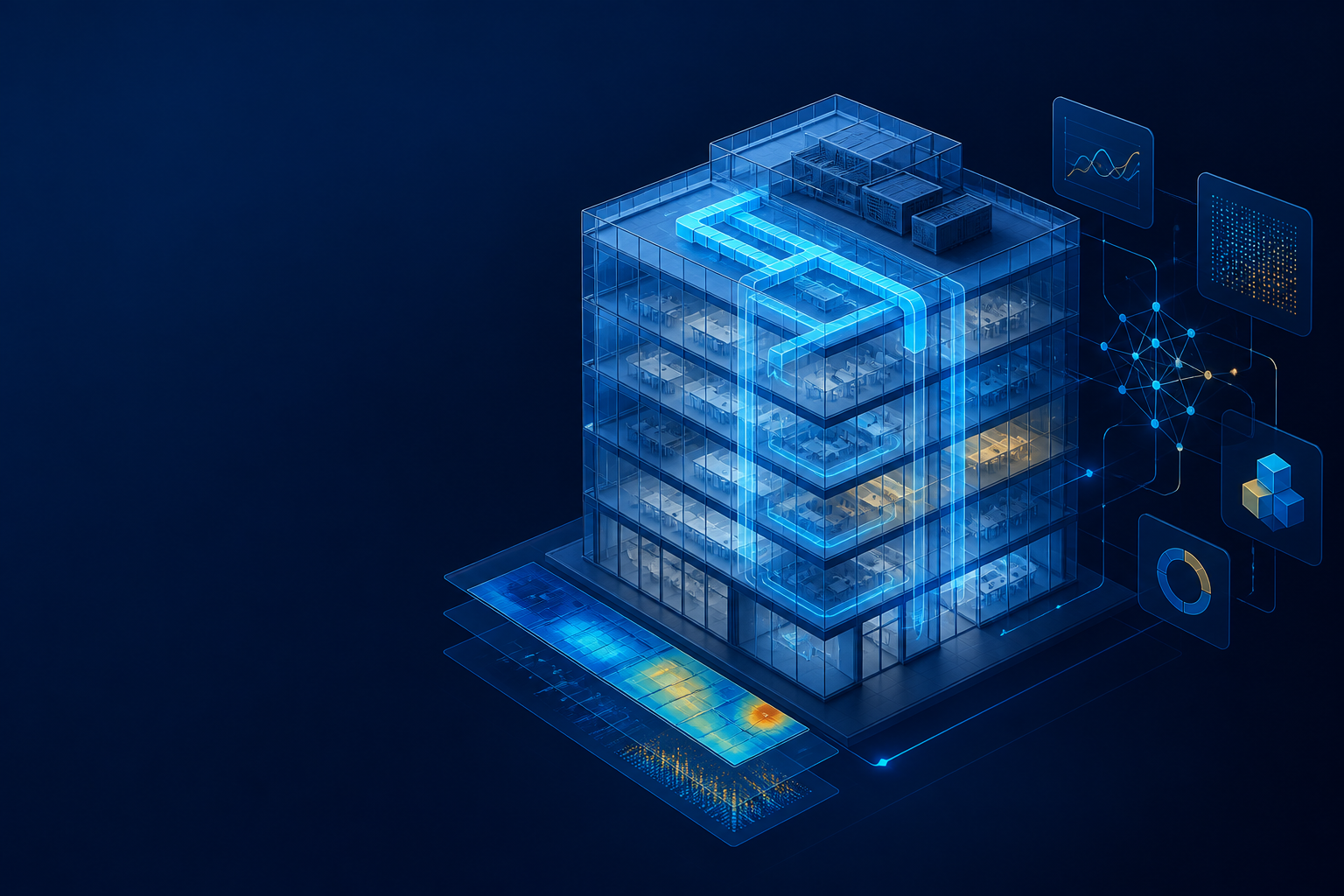
Modelers work through the AI host they already use. OpenStudio AI coordinates the workflow, preserves the engineering record, and connects the right local execution path when it is available.
Inspect and edit OpenStudio models with reviewed SDK patterns and a durable workflow state.
Create air loops, coils, fans, terminals, schedules, and VAV reheat systems in the right order.
Prepare and run simulations with validation steps that surface issues before they become results.
Query SQL-backed results, interpret performance, and identify the next modeling decision.
DOE multi-lab collaborationOpenStudio AI brings together National Laboratory of the Rockies, Lawrence Berkeley National Laboratory, Pacific Northwest National Laboratory, and Oak Ridge National Laboratory to deliver one agentic energy-modeling experience.
The MCP server carries the operational context that lets an agent work methodically across a complex modeling task.
Records structured model changes, decisions, and remaining work throughout a session.
Keeps assumptions, model state, validation findings, and next steps visible to the workflow.
Runs scenario simulations in isolated sandboxes to prevent output collisions.
Retains essential analysis artifacts while limiting disposable output that consumes local storage.
Uses reviewed, task-relevant OpenStudio SDK knowledge instead of guessed API behavior.
OpenStudio-MCP gives AI agents a broad set of building-modeling and simulation capabilities through a ready-to-run local Docker image.
OpenStudio-MCP brings 150+ tools and 13 workflow skills for model creation, geometry and HVAC work, measures, simulations, and results analysis—all through plain-language MCP workflows.
A ready-to-run Docker image provides a containerized execution environment for the modeling and simulation work your project requires.
Model changes, simulation artifacts, decisions, and results remain part of one guided workflow from the first prompt to final review.
Additional national-laboratory MCPs are being developed for OpenStudio AI, expanding capabilities while keeping one familiar modeler experience.
Use OpenStudio-MCP when a local provider workspace is available. OpenStudio AI also supports a complete local workflow without it. Read the OpenStudio-MCP installation guide or view the Docker Hub image.
You › Add a VAV reheat system to this model.

OpenStudio AI › I’ll inspect the model, create the air loop,
then add terminals, coils, controls, and validation.

  ✓ Model topology inspected
  ✓ Air loop and supply fan created
  ✓ Heating and cooling coils connected
  ✓ VAV terminals configured
  ✓ System validation passed

You › Run the simulation and summarize the results.

  ✓ Simulation complete · Results ready to query
Instead of asking an agent to improvise a complex HVAC model, OpenStudio AI coordinates the dependent steps and checks the work before simulation.
Keep expert judgment in the loop while removing the repetitive coordination work.
First install OpenStudio AI in the AI client your team uses. Then, if your project needs it, add OpenStudio-MCP as an optional local provider.
Step 1 · Install OpenStudio AI
codex plugin marketplace add <path-to-this-marketplace-folder>In the Codex plugin UI, install openstudio-ai from openstudio-ai-local.
In a new task, ask Codex to run setup-openstudio-ai.
/plugin marketplace add <path-to-this-marketplace-folder>/plugin install openstudio-ai@openstudio-ai-local
/reload-pluginsRun /openstudio-ai:setup-openstudio-ai in Claude Code.
OpenStudio AI works with the plugin alone. Add OpenStudio-MCP when you want its local OpenStudio capabilities; Docker Desktop must be installed and running first.
macOS with Homebrew
brew install --cask docker
open -a Docker
docker version
Windows PowerShell
winget install -e --id Docker.DockerDesktop
docker versionDownload the ready-to-run image from Docker Hub.
docker pull nrel/openstudio-mcp:devConfigure the local provider workspace and restart your client. The setup guide includes the scoped Docker mounts and host configuration.
OpenStudio-MCP setup guide ↗Add this repository as a marketplace, install the OpenStudio AI plugin, then run its setup skill in a project.
Use the Plugins directory in a local or SSH session.
Open the Plugins directory, choose Add marketplace, paste the repository URL below, and select the suggested Use option.
https://github.com/pnnl/openstudio-ai-plugins.git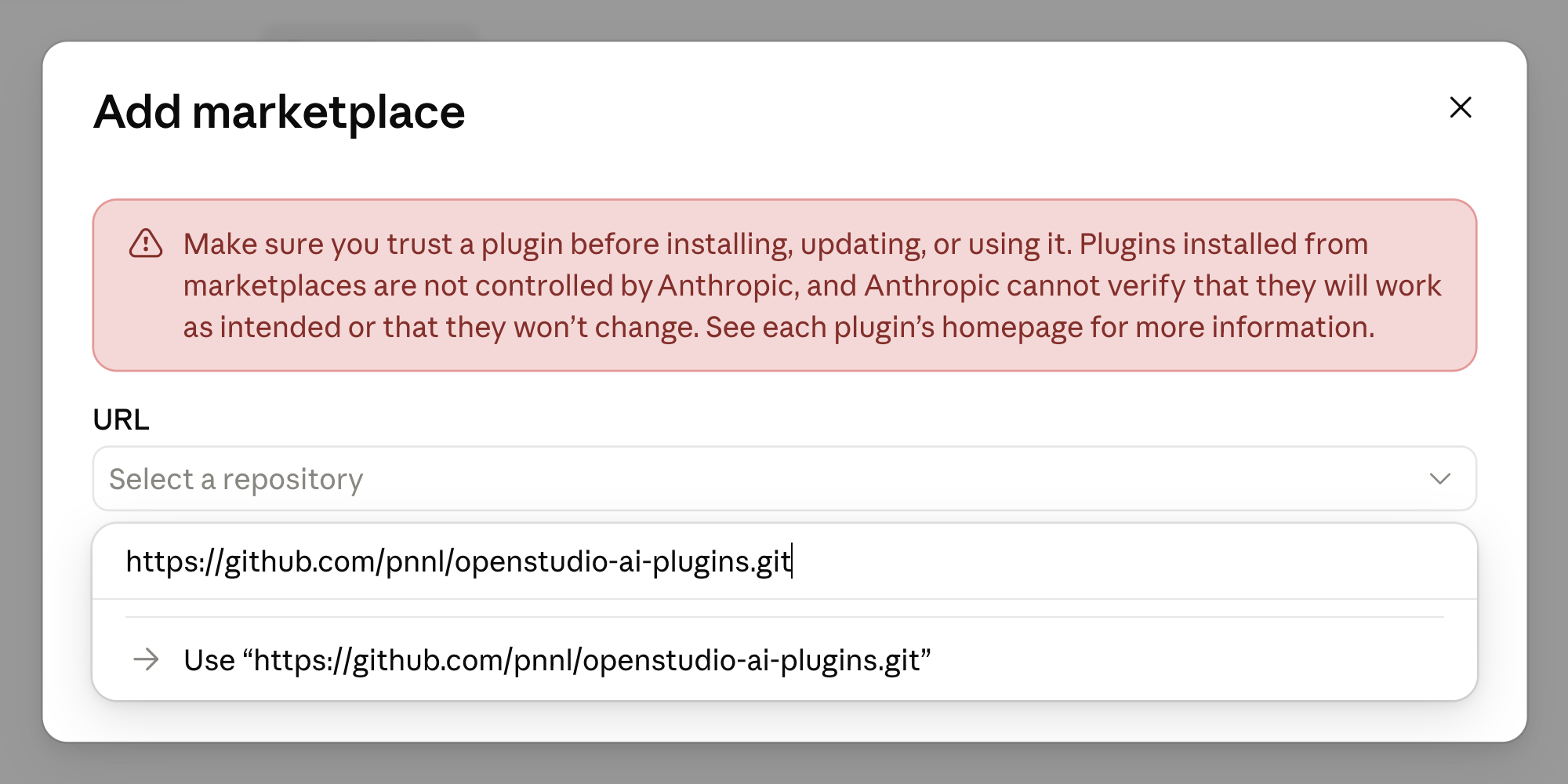
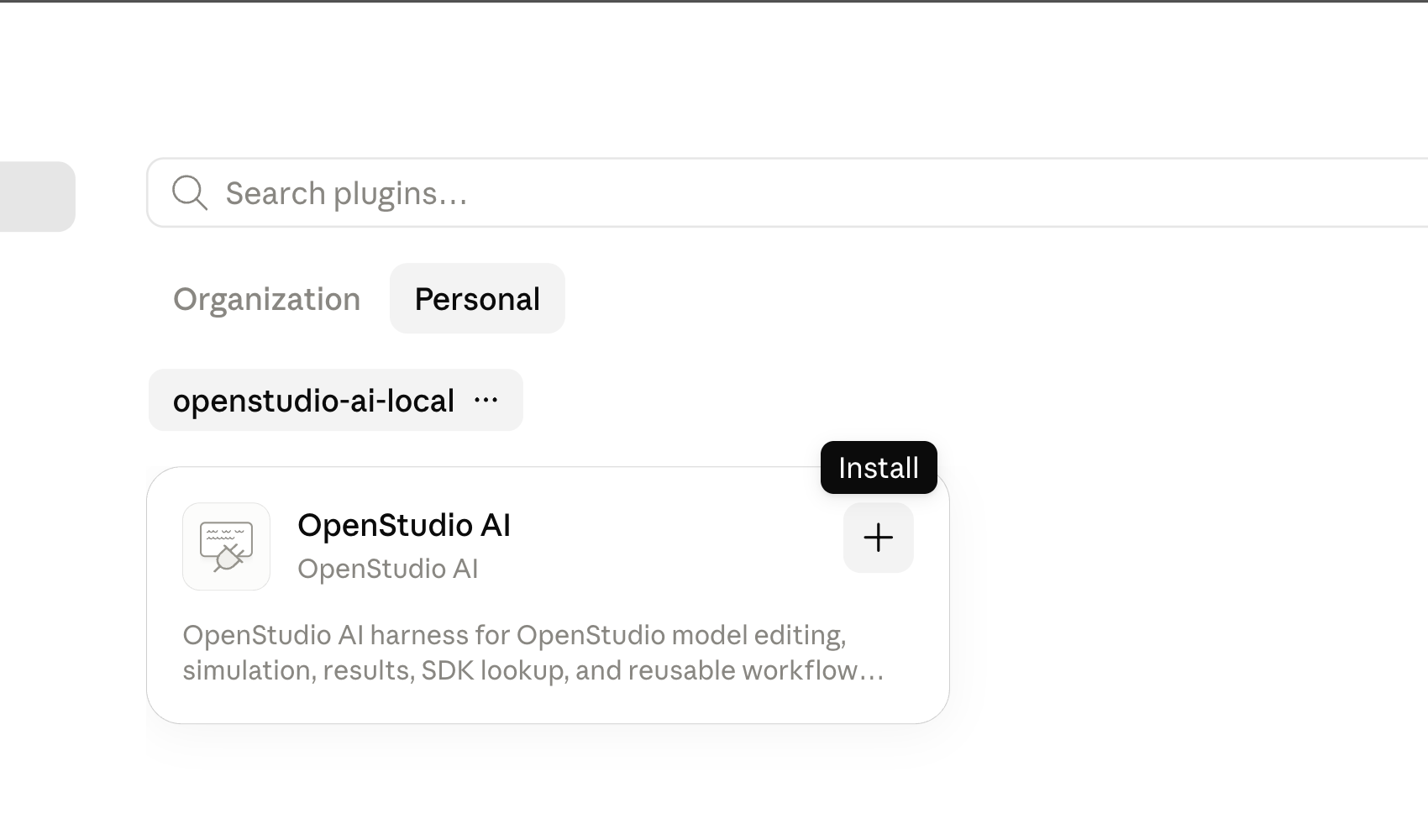
Select the openstudio-ai-local marketplace, then click the + button beside OpenStudio AI.
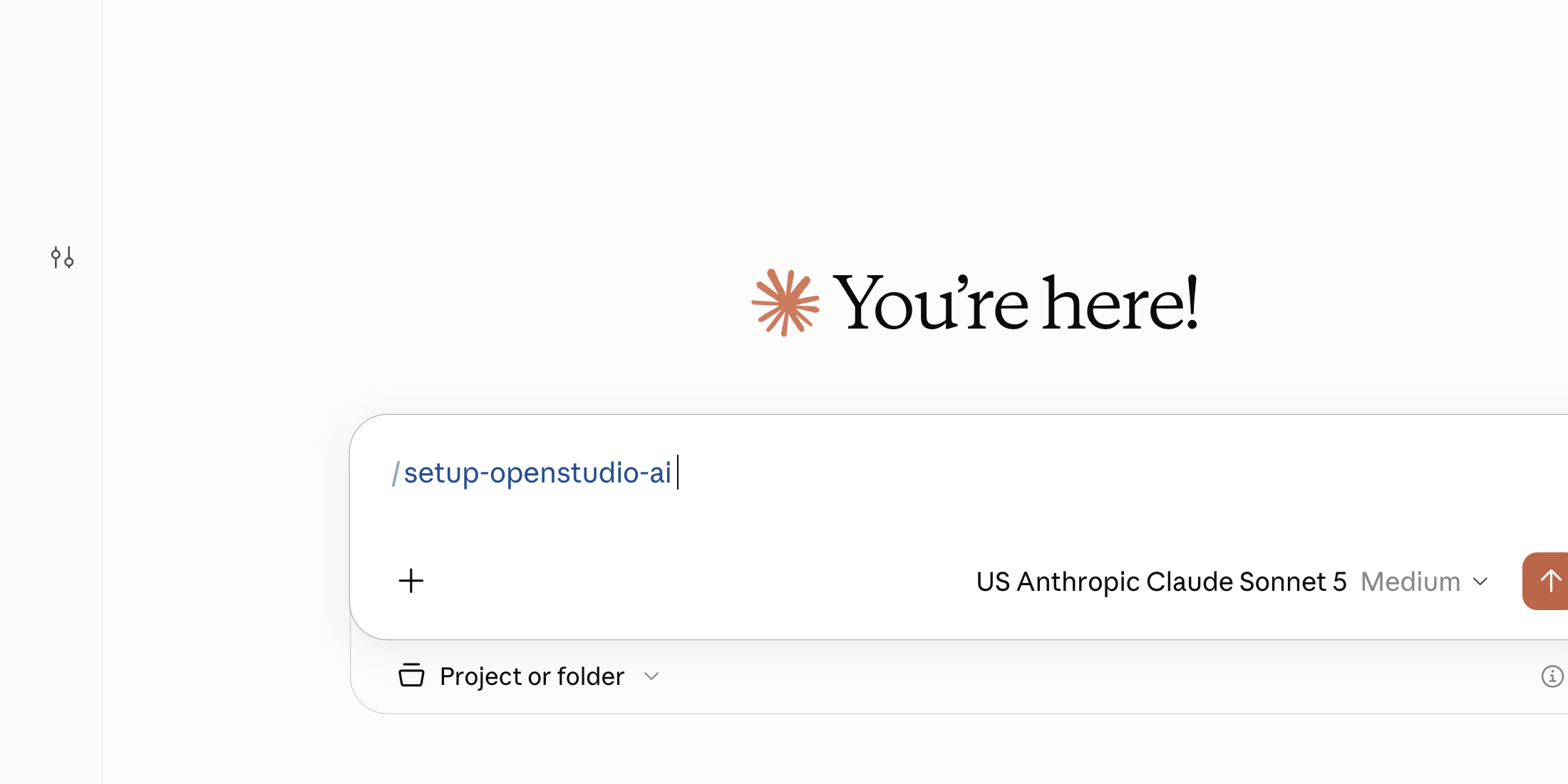
Start a session in the project or folder you want to model, type /setup-openstudio-ai, and select the OpenStudio AI setup skill.
Use the Plugins page in Customize.
Open Customize → Plugins, choose Add → Add plugin marketplace, paste the source below, then select Add marketplace.
https://github.com/pnnl/openstudio-ai-plugins.git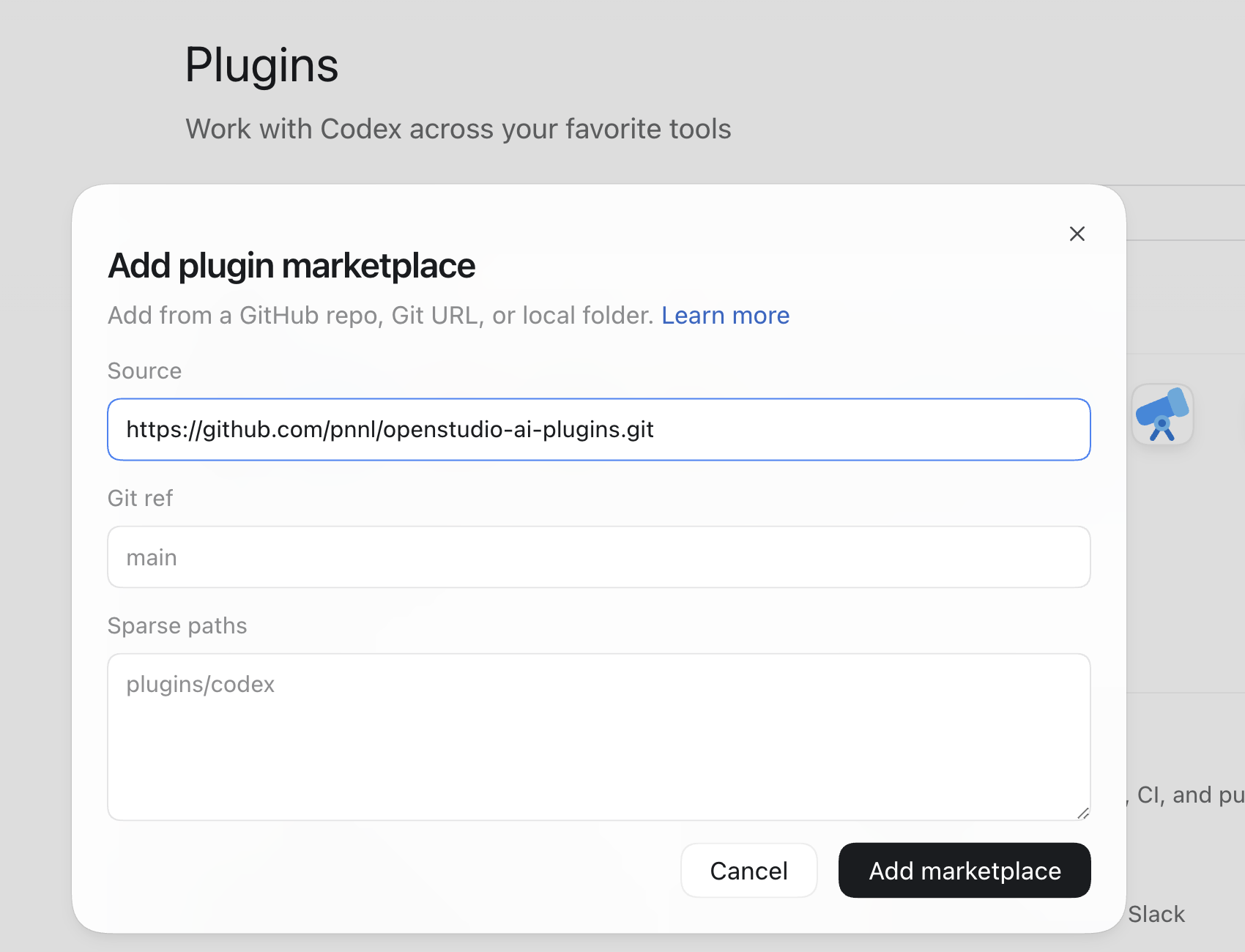
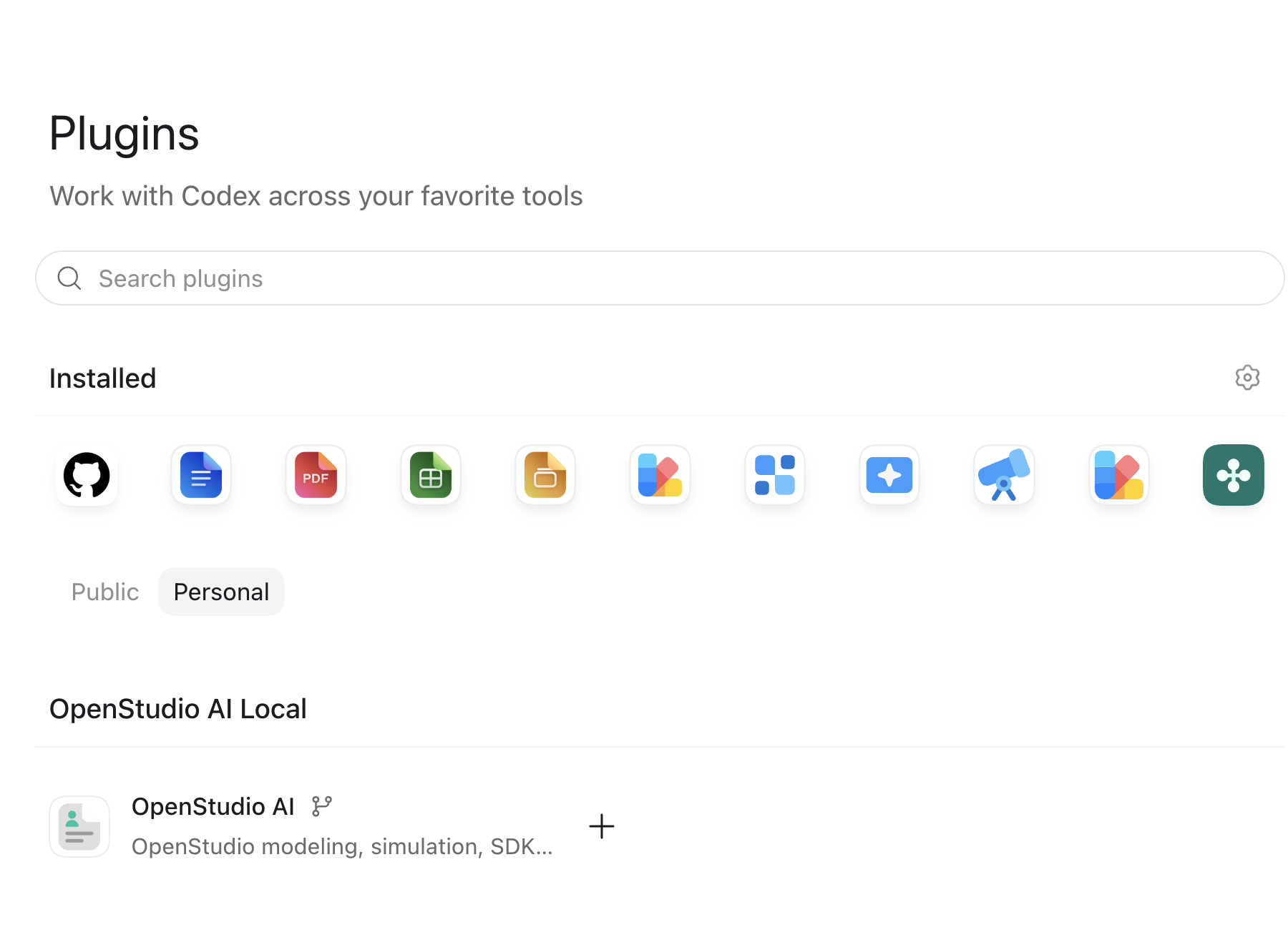
Under Personal → OpenStudio AI Local, click the + button beside OpenStudio AI.
Open a task for your project, type /setup-openstudio-ai, and choose OpenStudio AI: Setup OpenStudio AI.
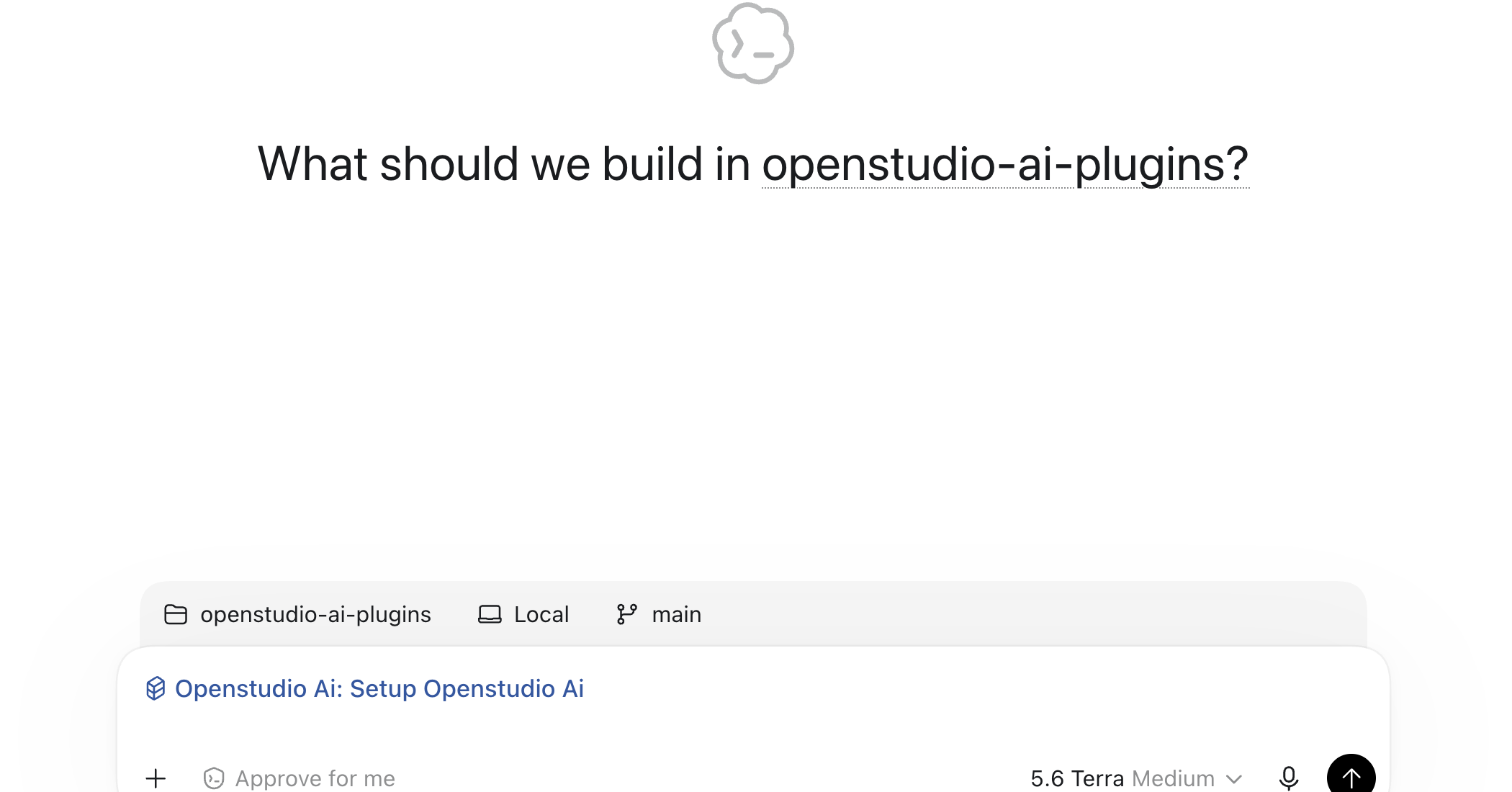
The setup skill checks the local runtime and explains any missing requirements. For terminal-based installation or project-wide policy setup, see the Claude Code and Codex installation guides.
OpenStudio AI combines a shared MCP interface with focused, composable skills—then connects compatible provider backends under the same workflow.
Inspect models and apply durable OpenStudio SDK patterns for geometry, schedules, systems, and more.
openstudio-sdk-model-editorBuild fans, coils, air loops, outdoor-air systems, VAV terminals, sizing, and validation workflows.
HVAC workflow skillsPrepare models, run simulations, and retrieve SQL-backed results without leaving the workflow.
simulate · query-resultsTrack decisions, validate system state, and repair common issues before the next workflow phase.
state · repair · doctorPropose candidate measures and capture repeatable lessons from modeling sessions.
propose-measureConnect a compatible OpenStudio-MCP provider to the same guided modeling workflow, from preflight through engineering handoff.
OpenStudio-MCP provider workflowInstall the plugin, set up the local runtime you need, and keep a consistent engineering experience as new provider MCPs join the ecosystem.